Camera & Style Presets
One-click cinematic looks
Pro subscribers get access to 28 professional camera, lens, and lighting presets. Instead of memorizing cinematography terminology, simply click a visual preset to add professional-grade descriptions to your prompt.
How Presets Work
- Click the camera icon in the prompt bar
- Browse the visual preset grid
- Select one preset from each category (optional)
- Your selections are appended to your prompt on submit
Camera Presets
Define the overall camera style and movement aesthetic.
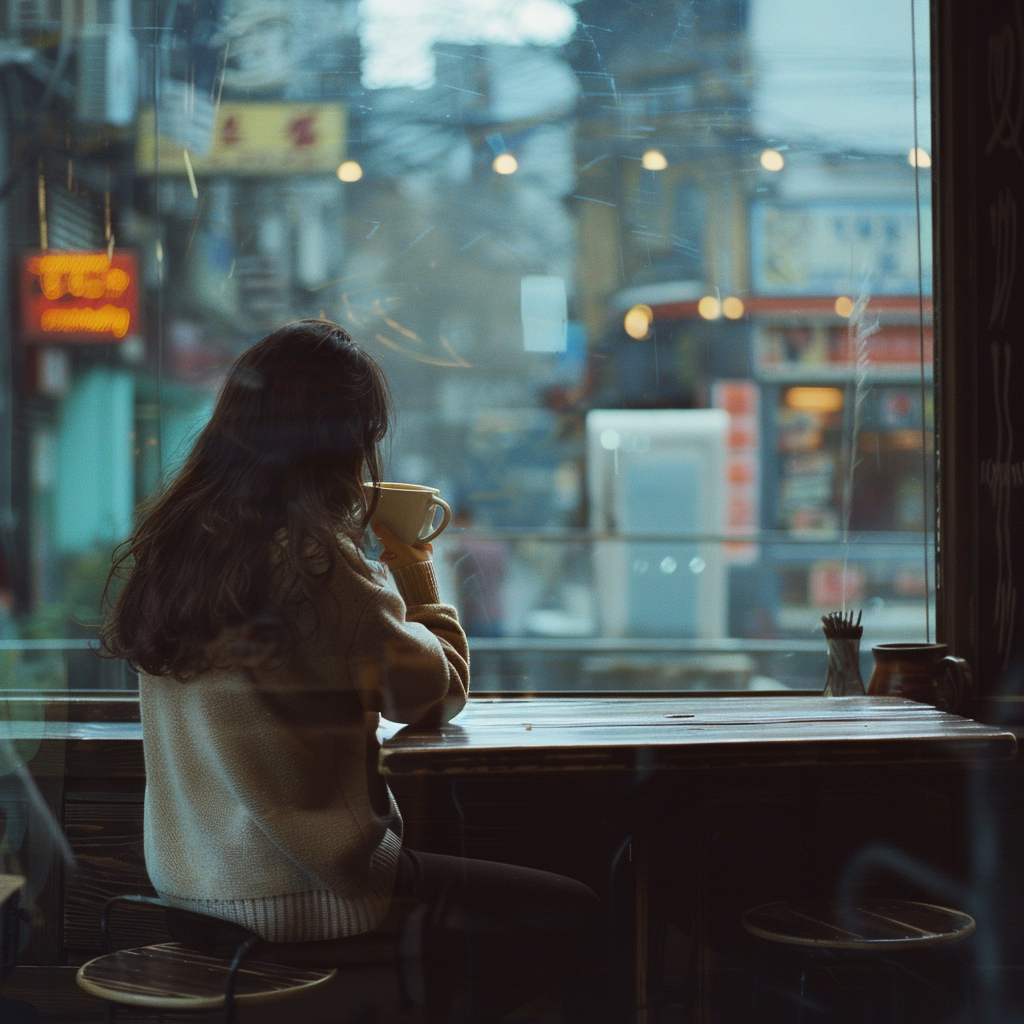
Cinematic
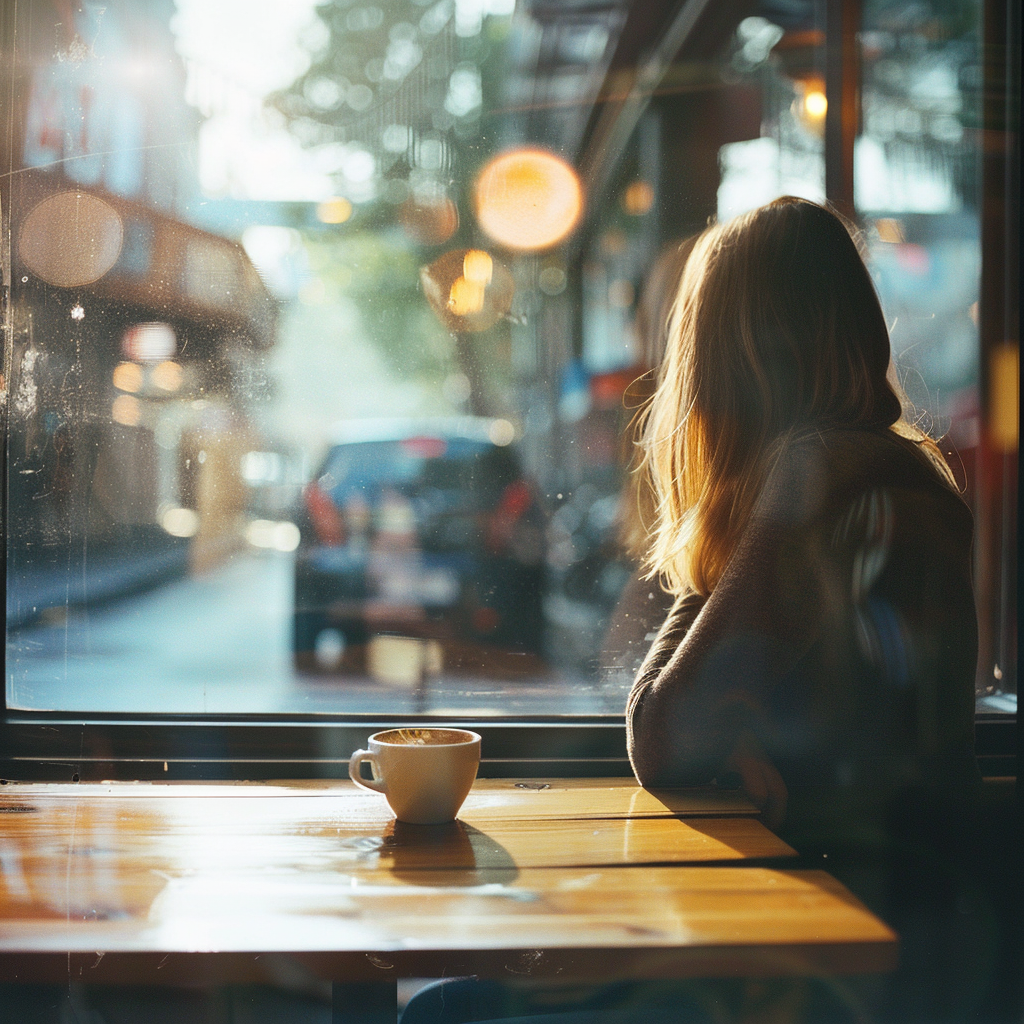
Anamorphic
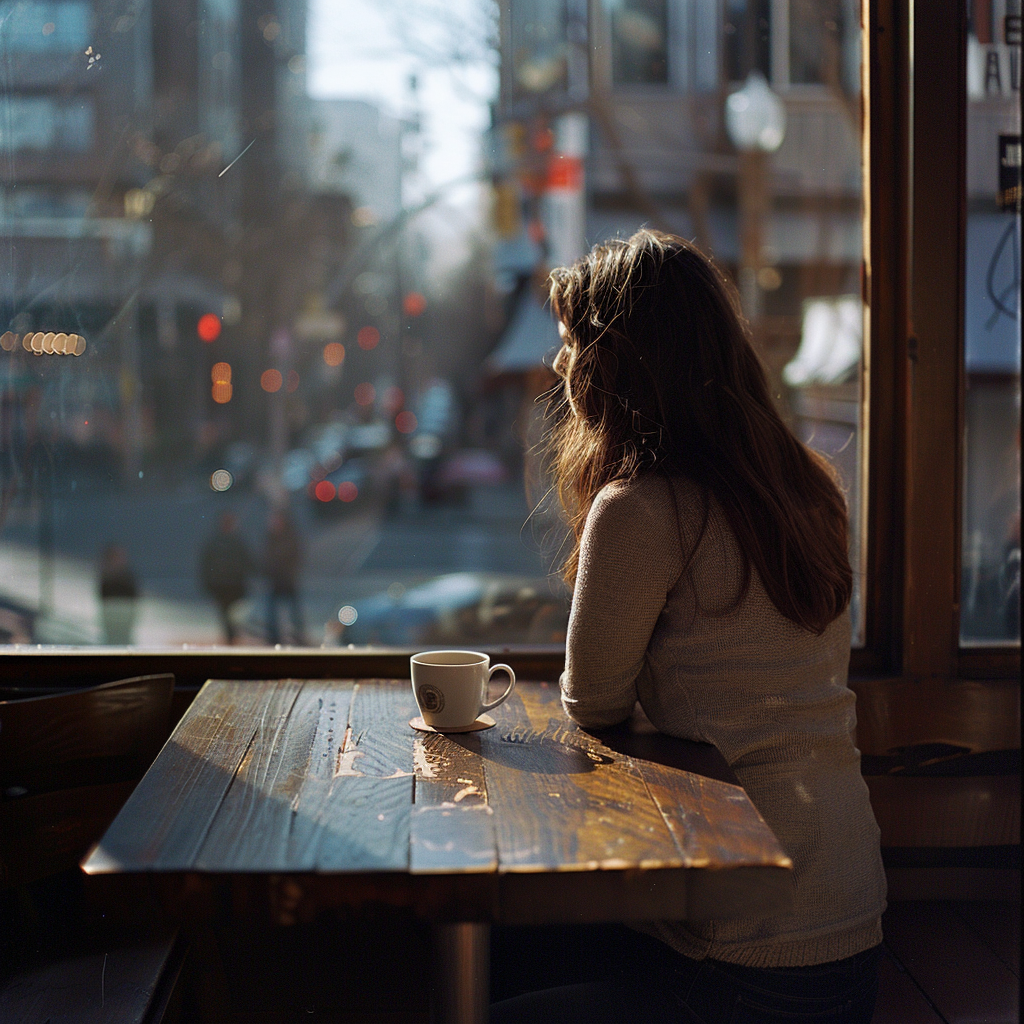
IMAX
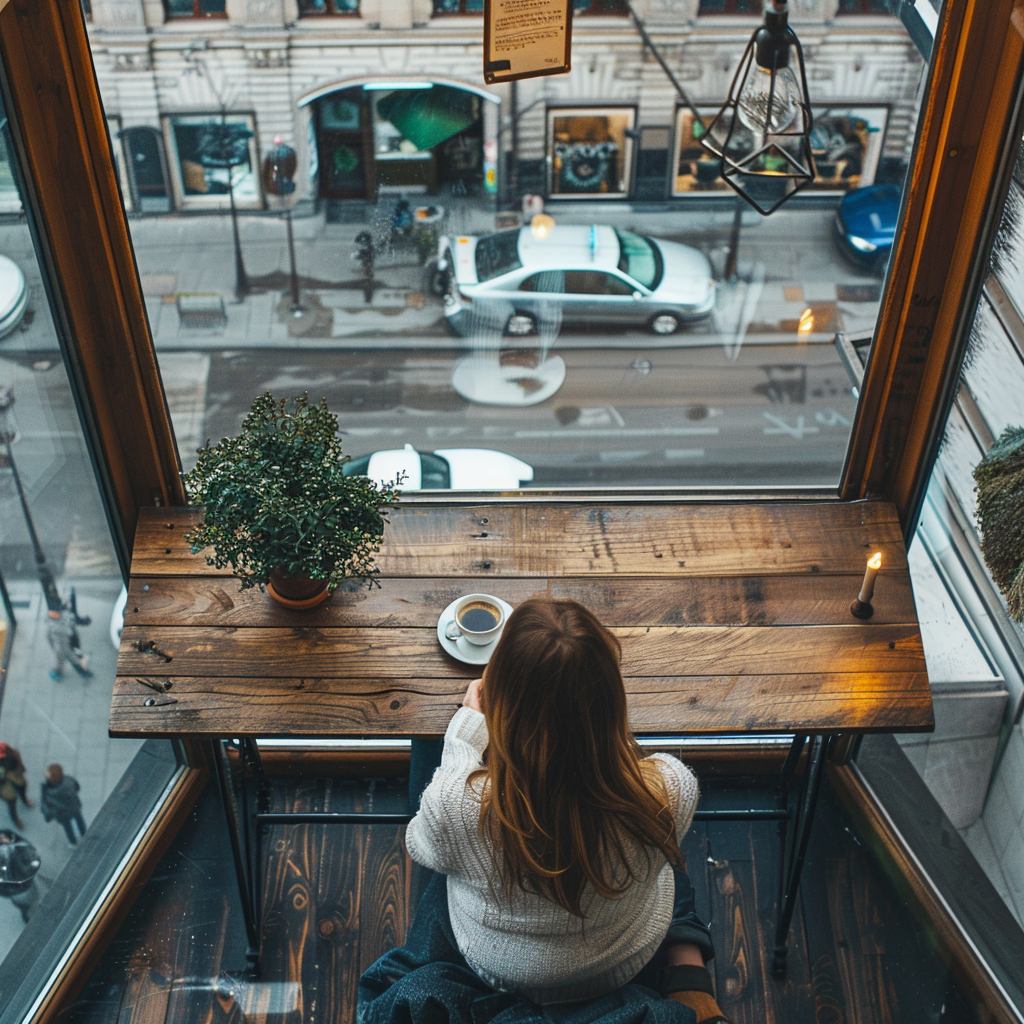
Drone
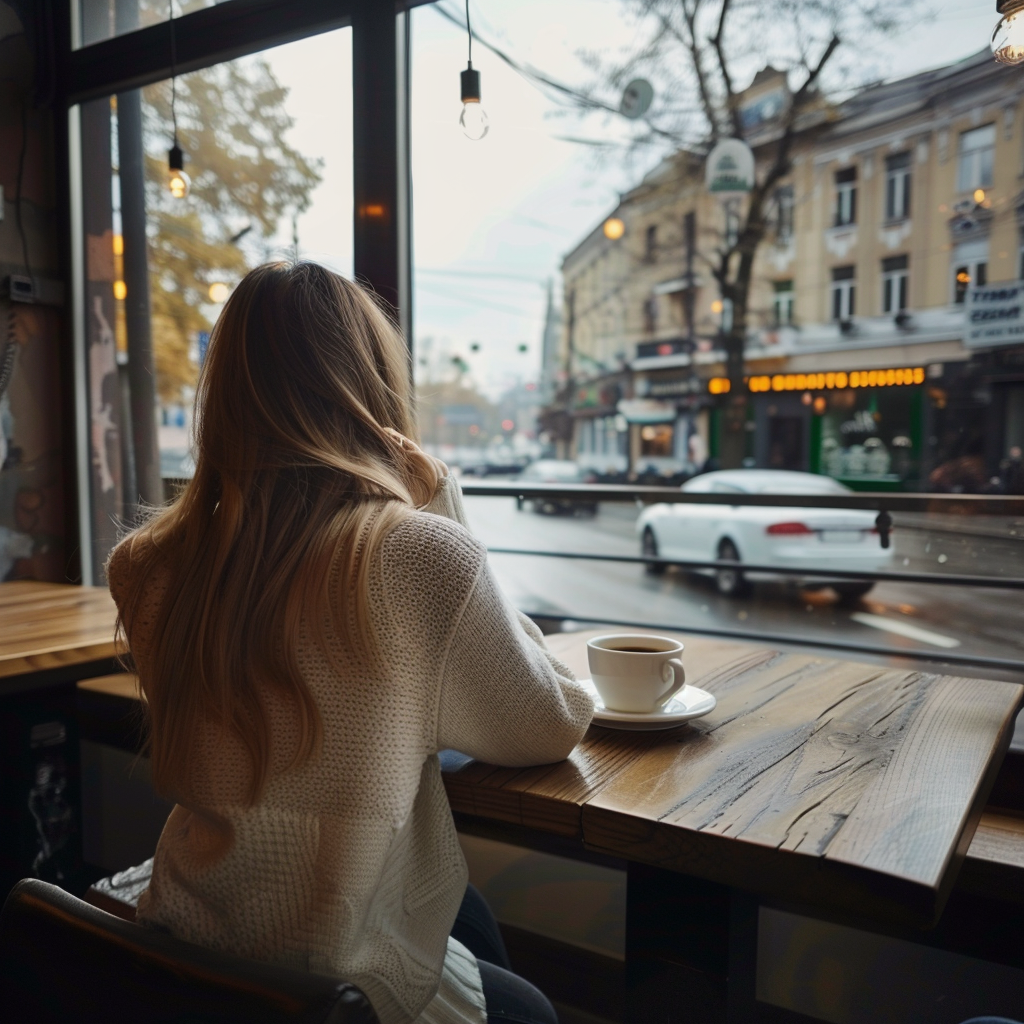
FPV
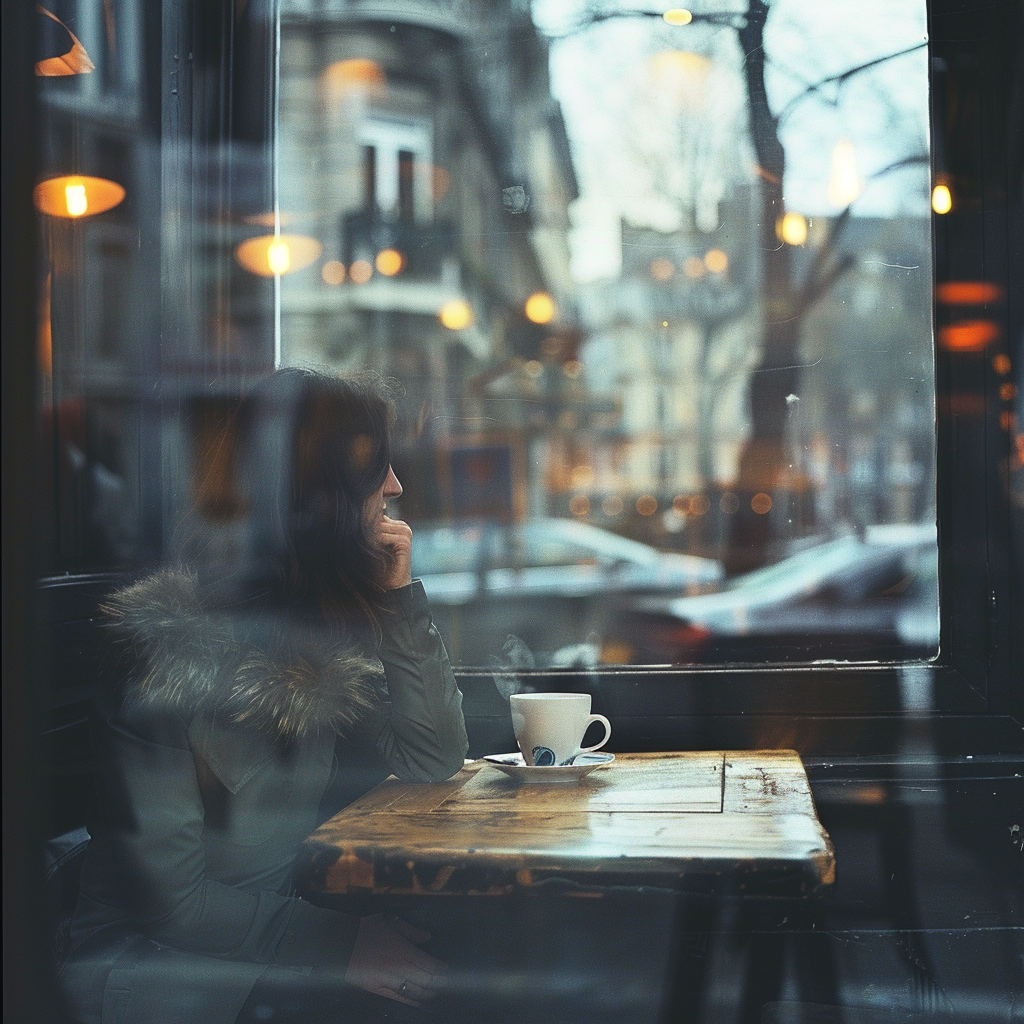
Handheld
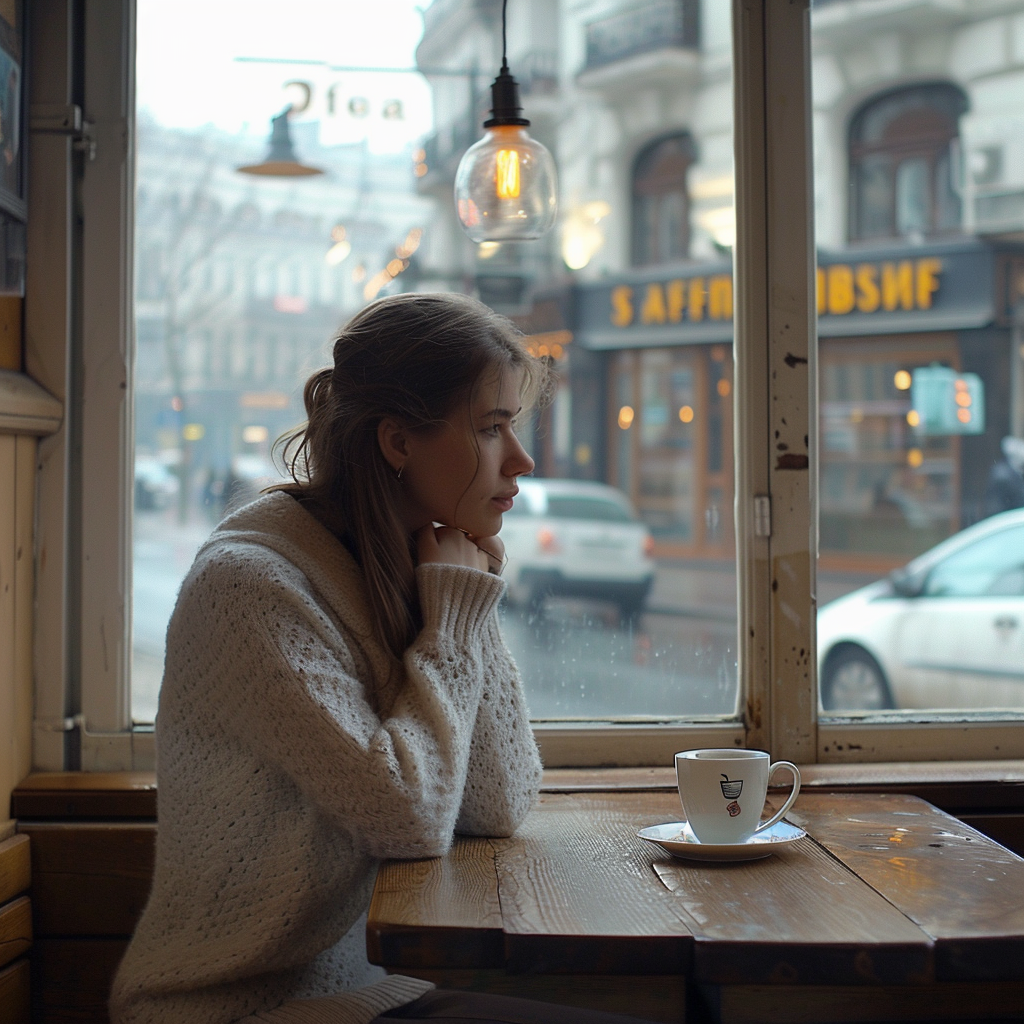
Steadicam
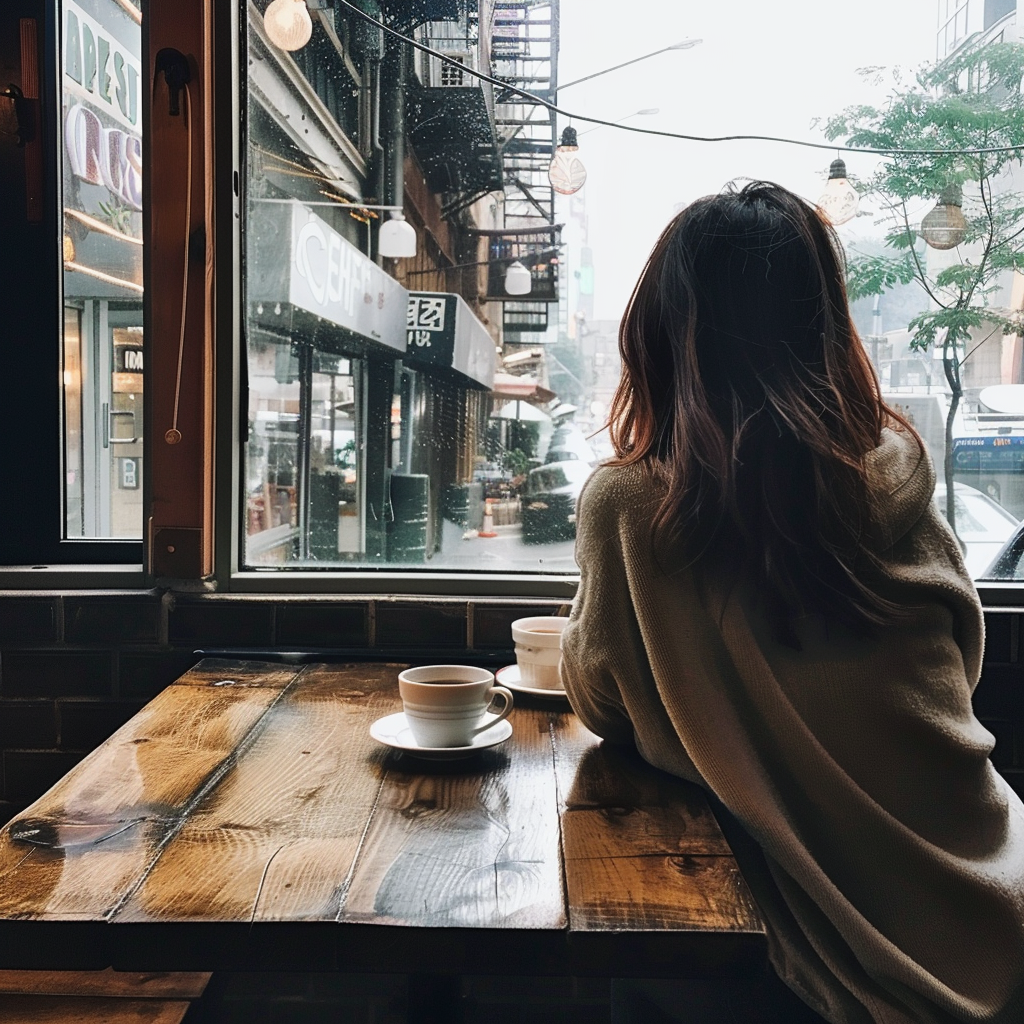
iPhone
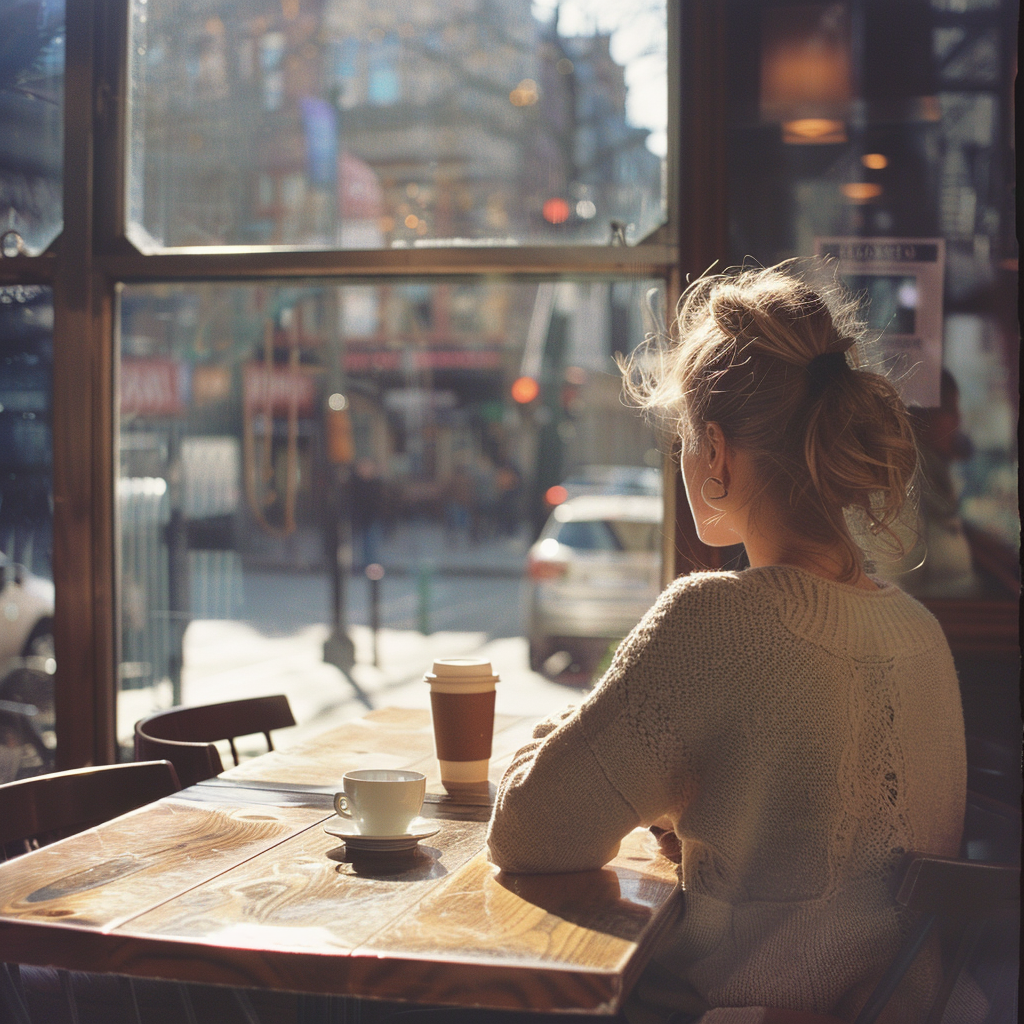
Vintage Film
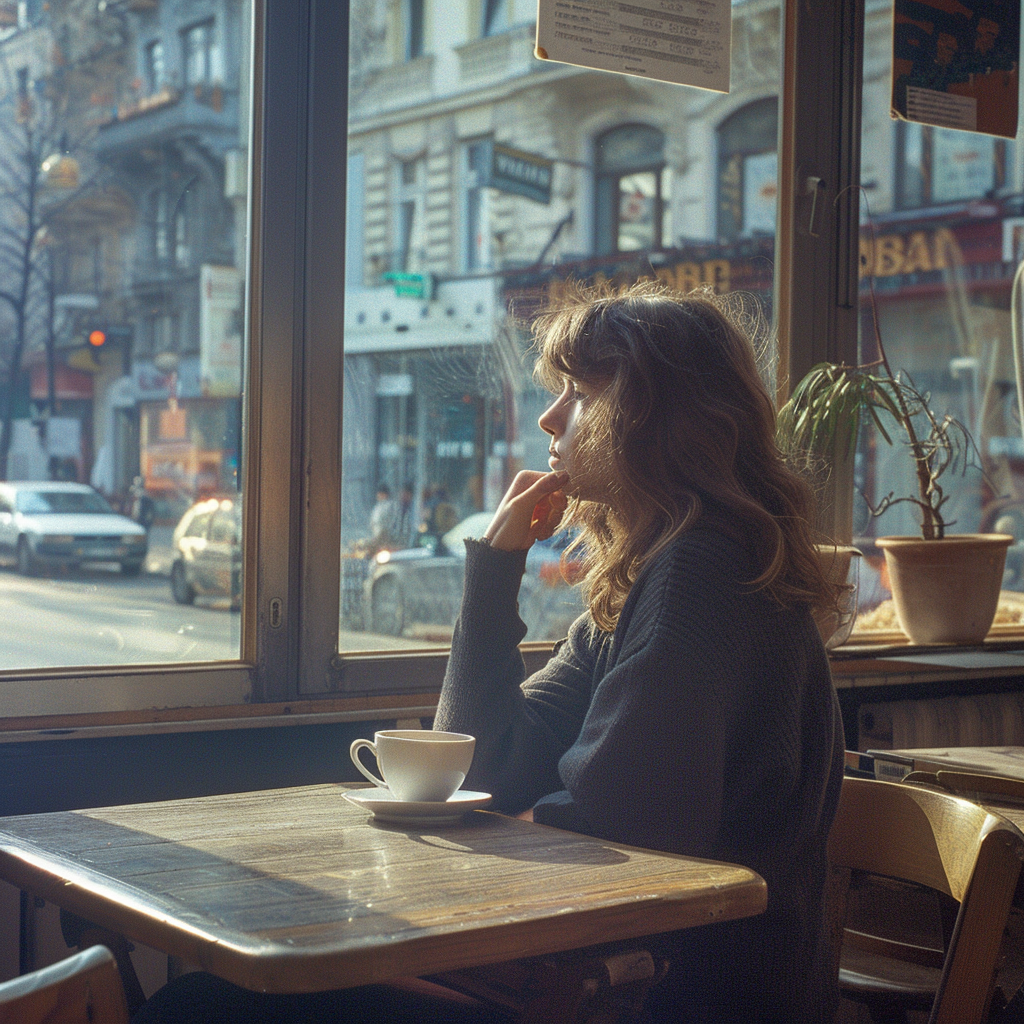
VHS
Lens Presets
Control perspective, depth of field, and compression.
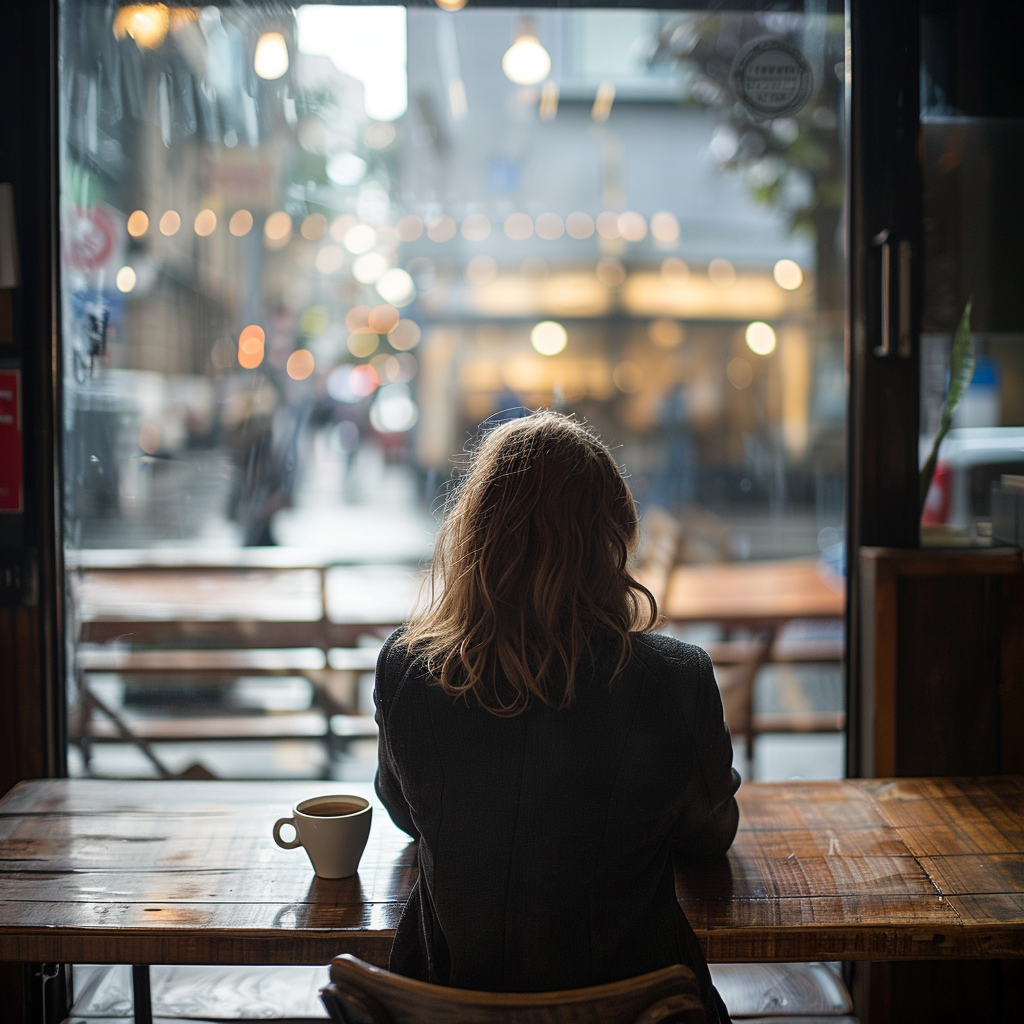
14mm Ultra Wide
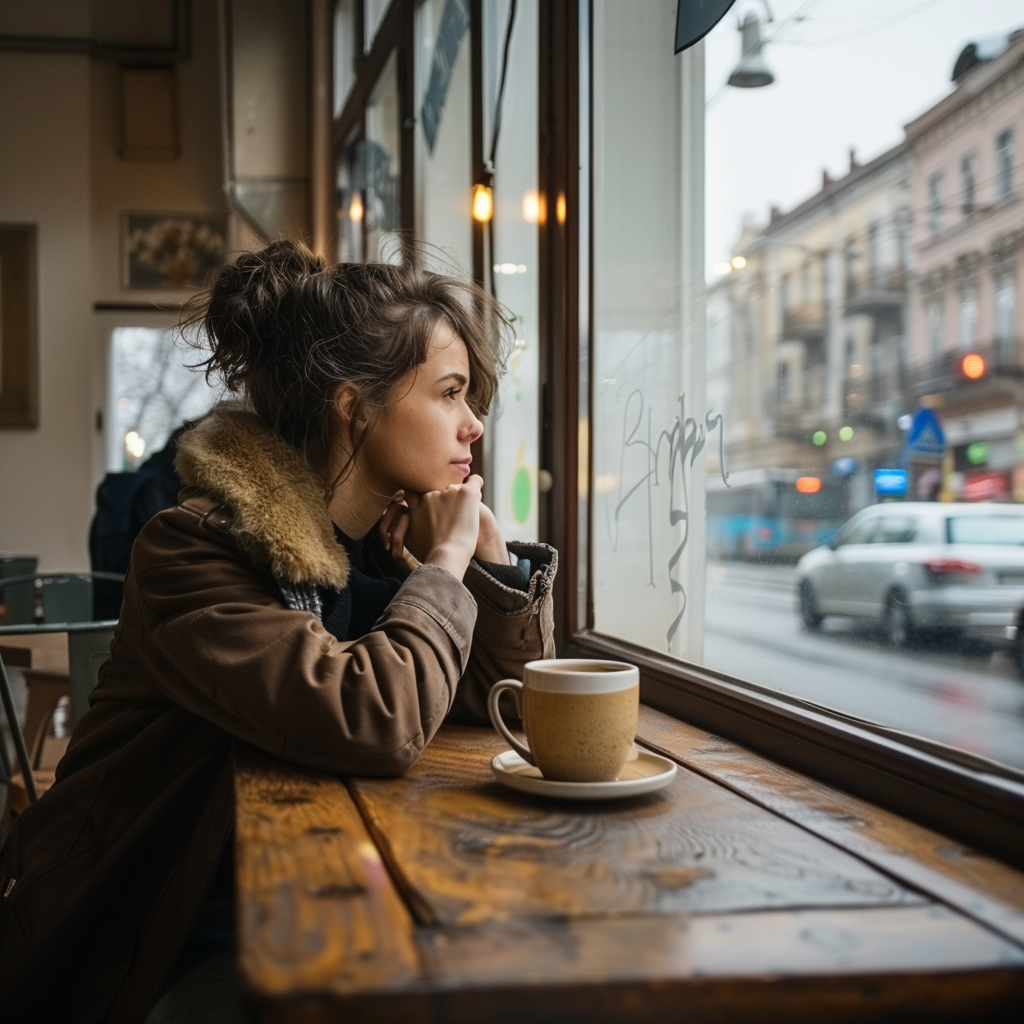
24mm Wide
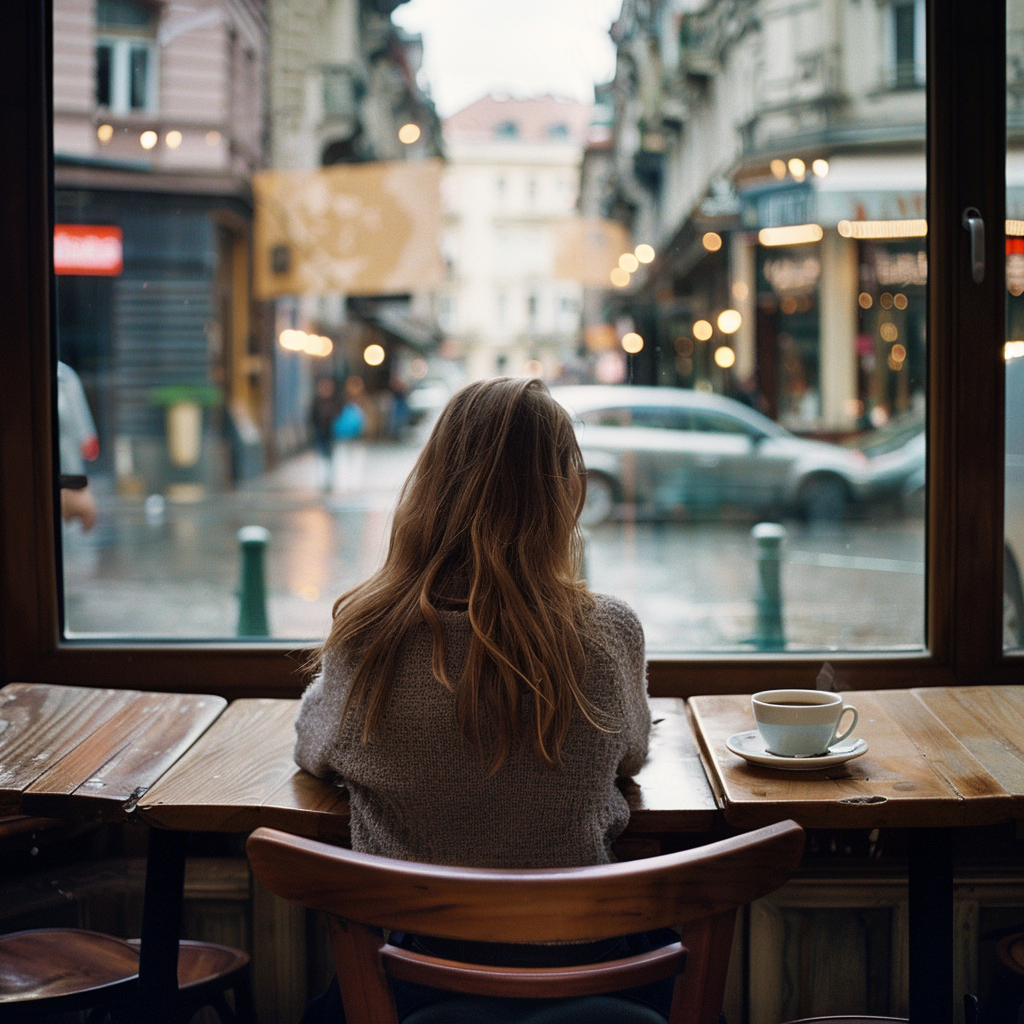
35mm Standard
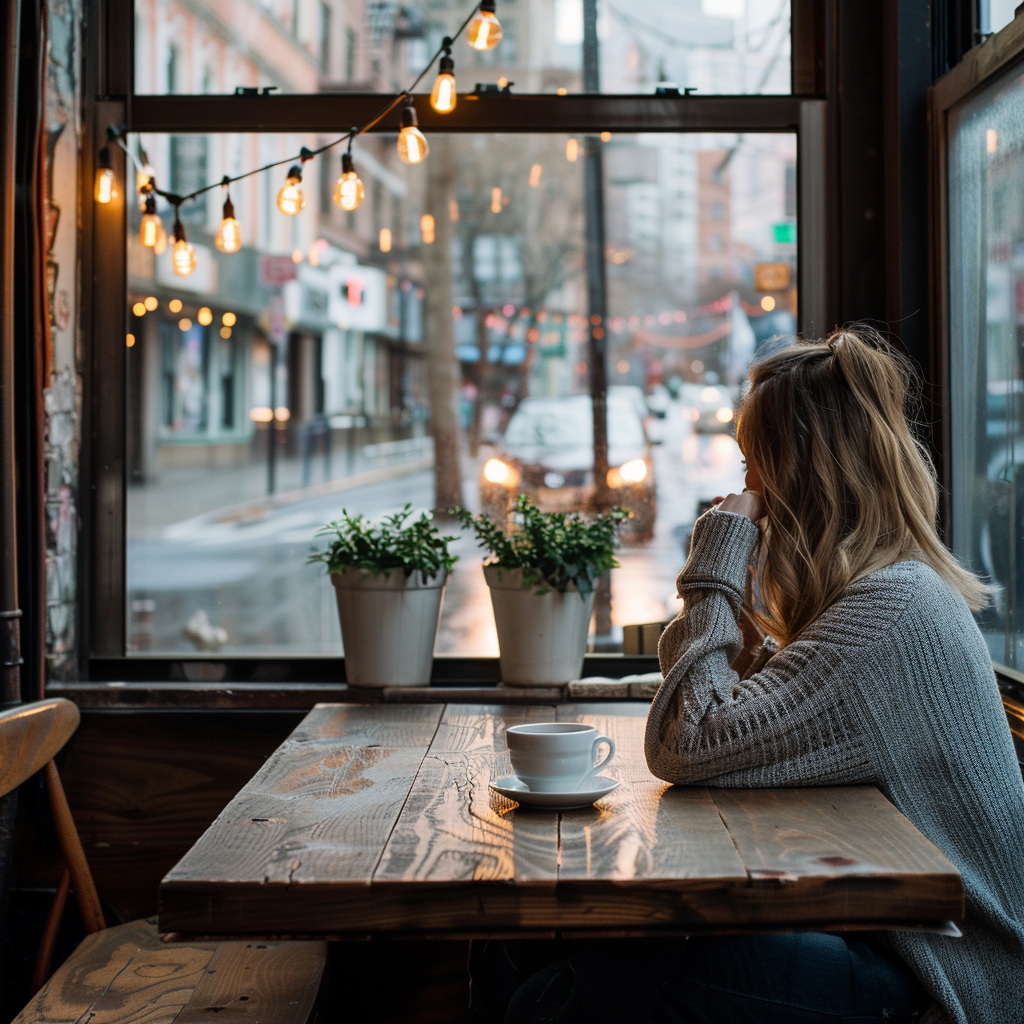
50mm
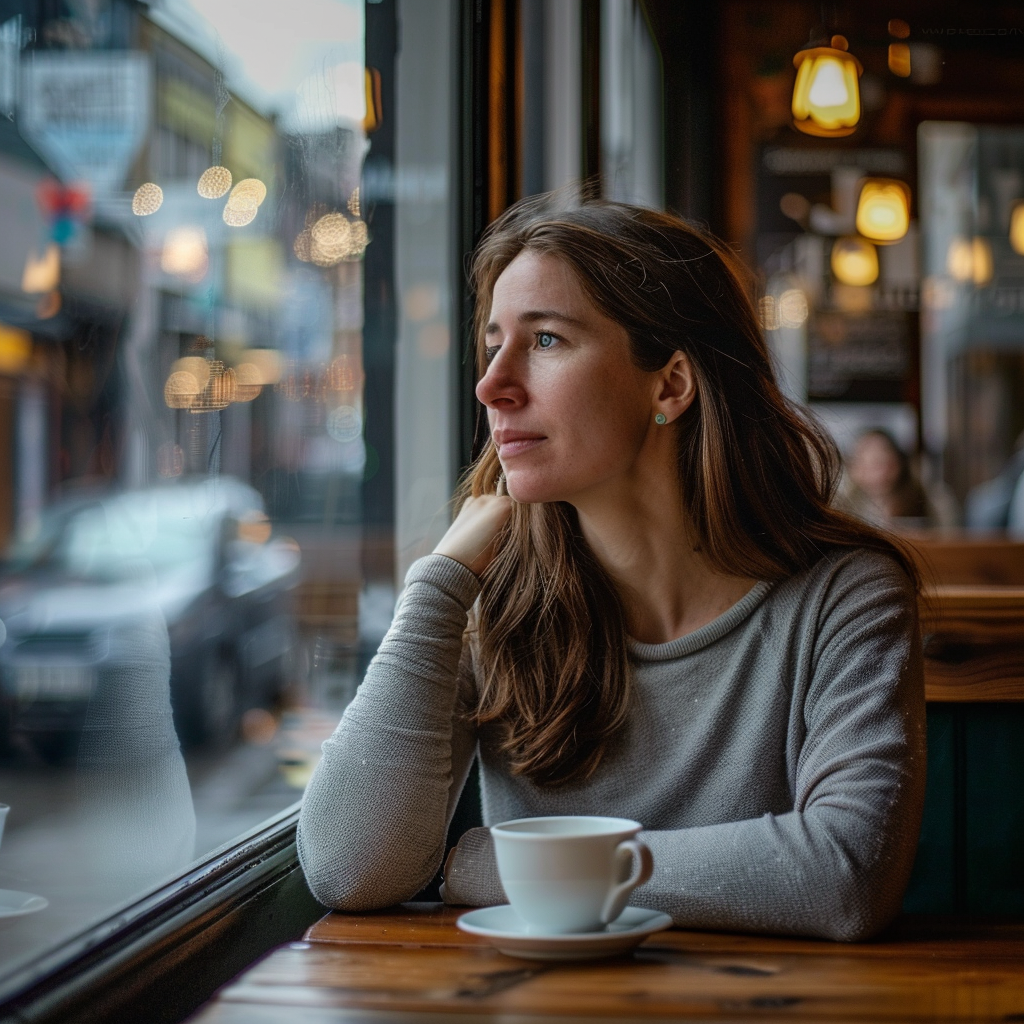
85mm Portrait
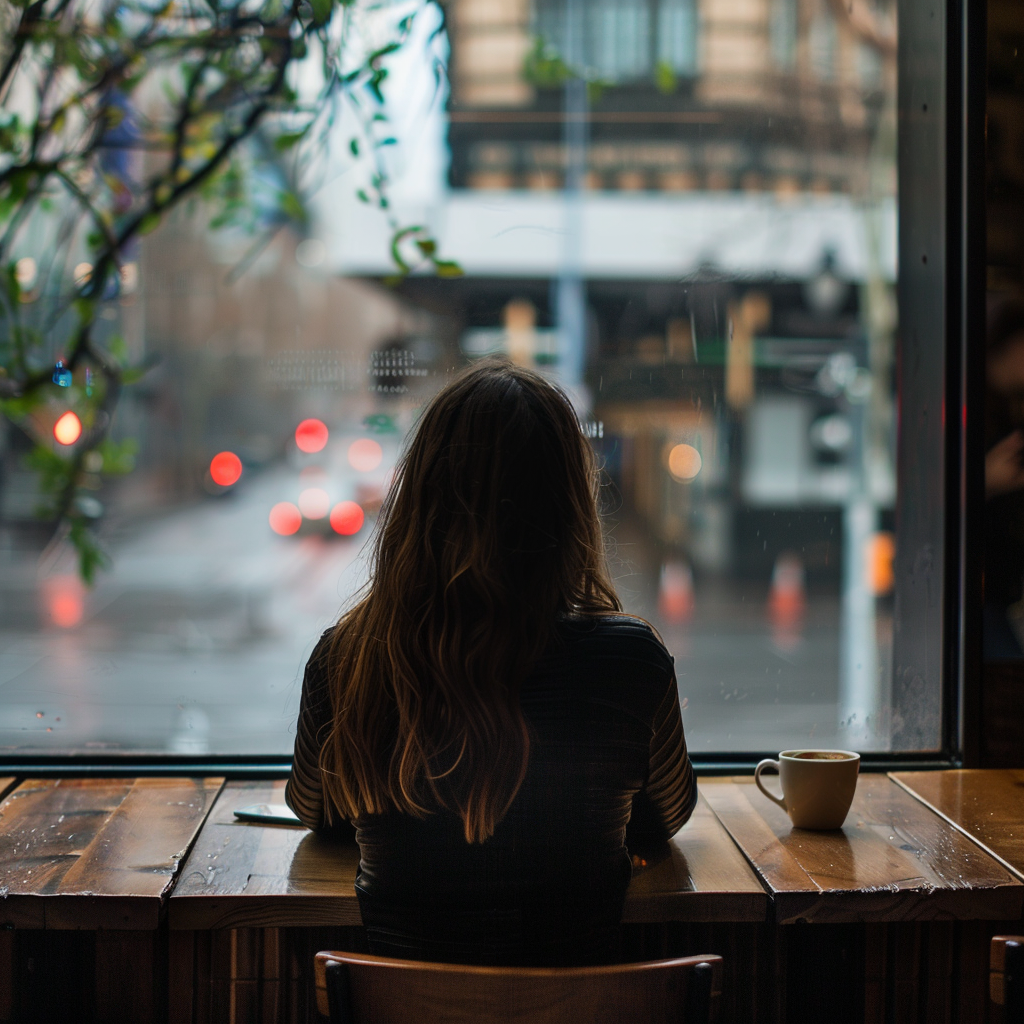
200mm Telephoto
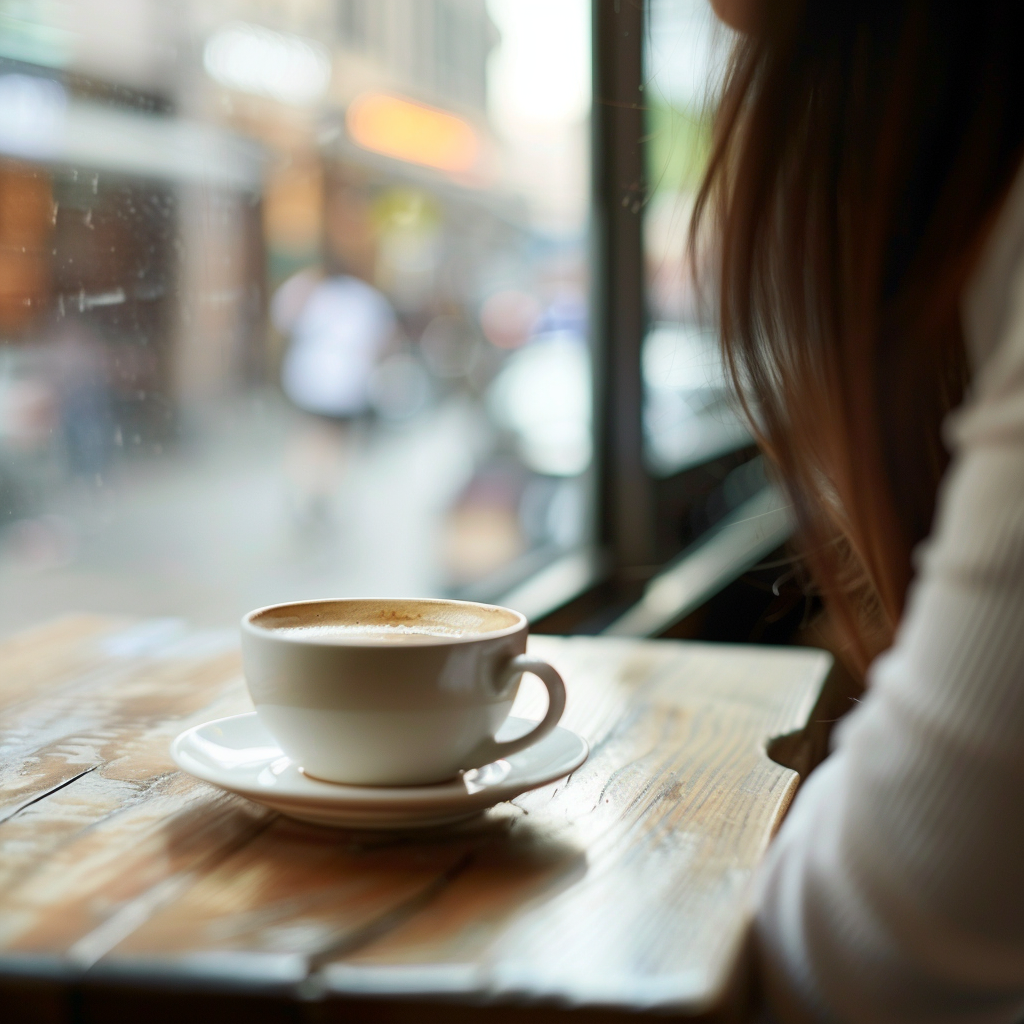
Macro
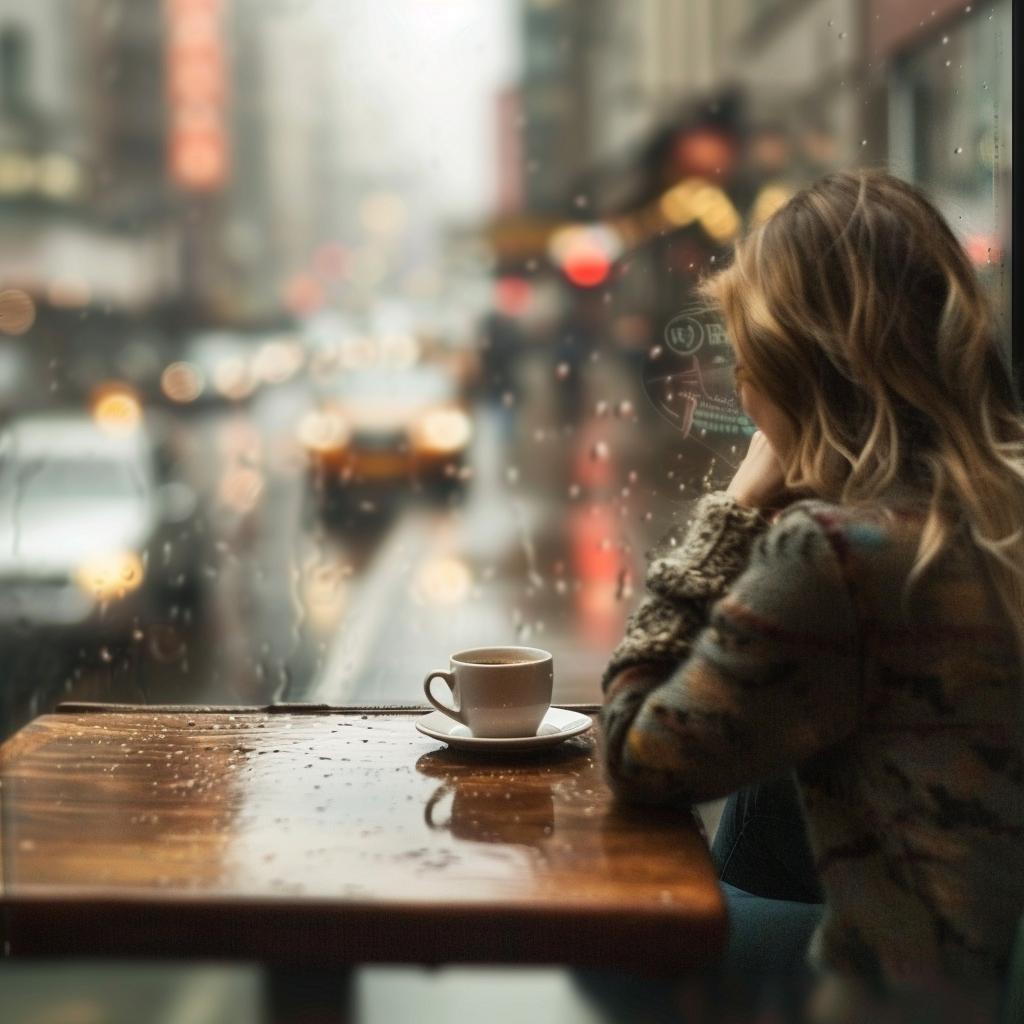
Tilt-Shift
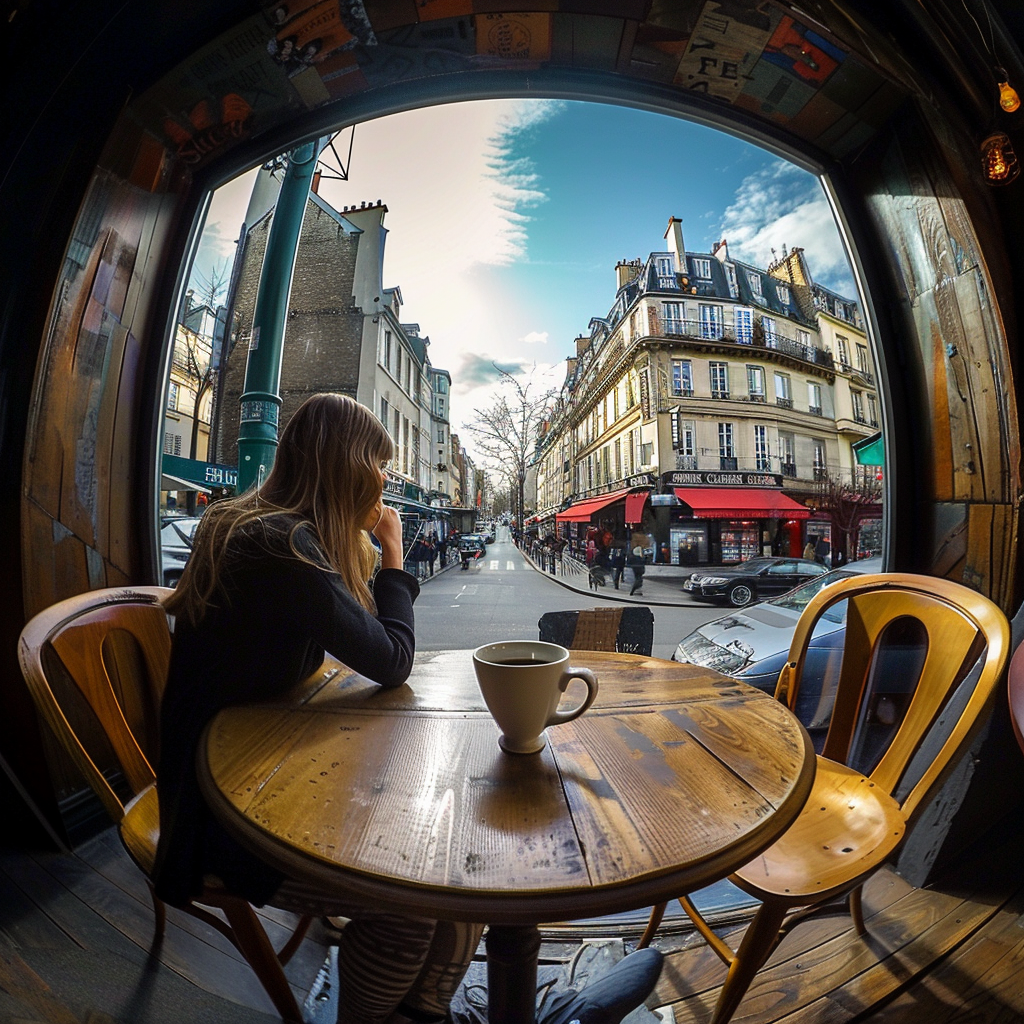
Fisheye
Lighting Presets
Set the mood and atmosphere with professional lighting setups.
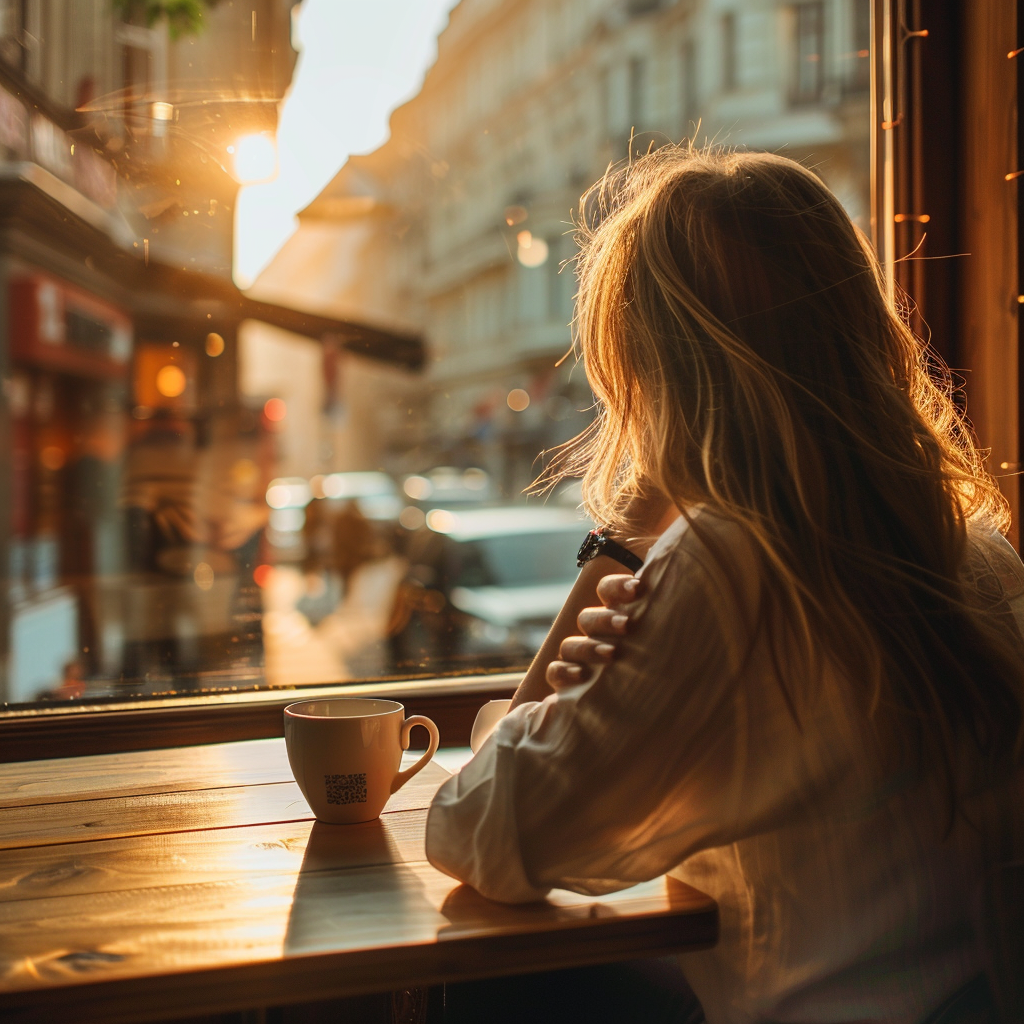
Golden Hour
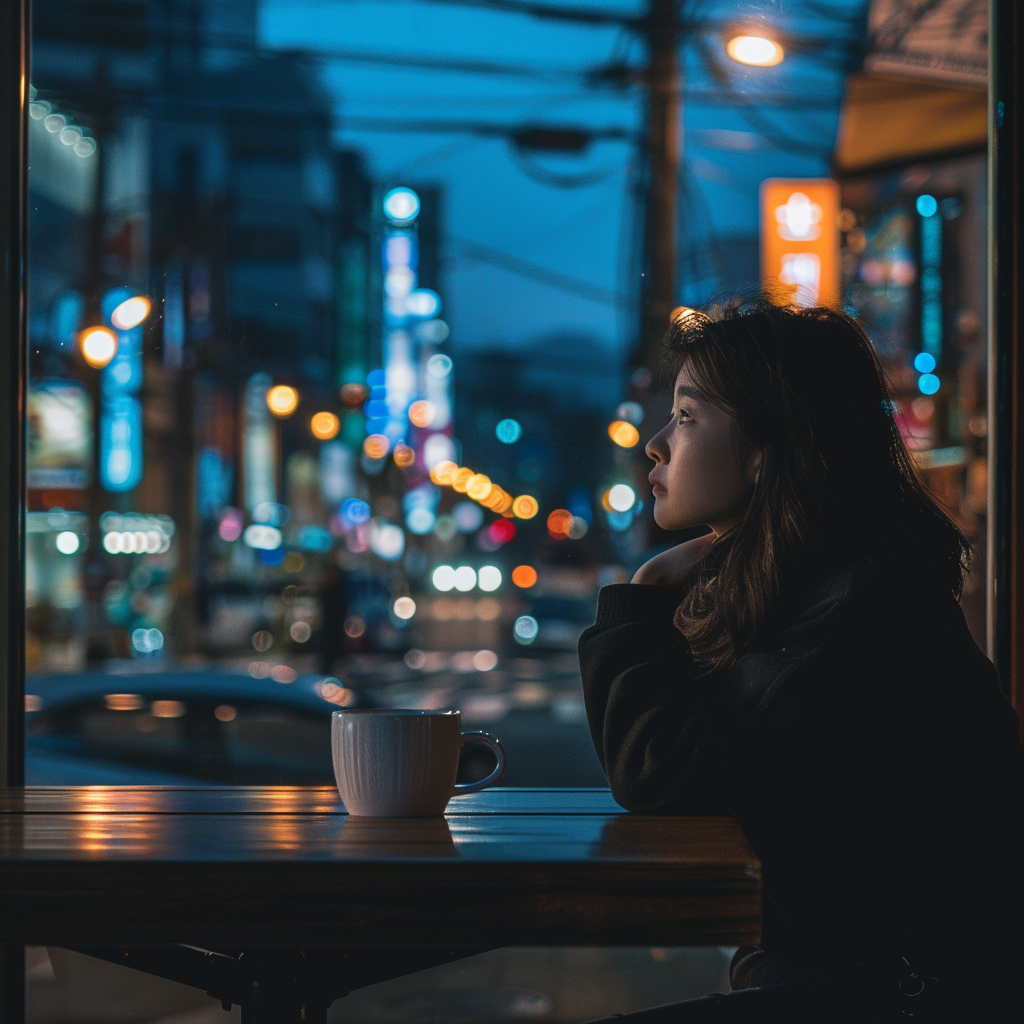
Blue Hour
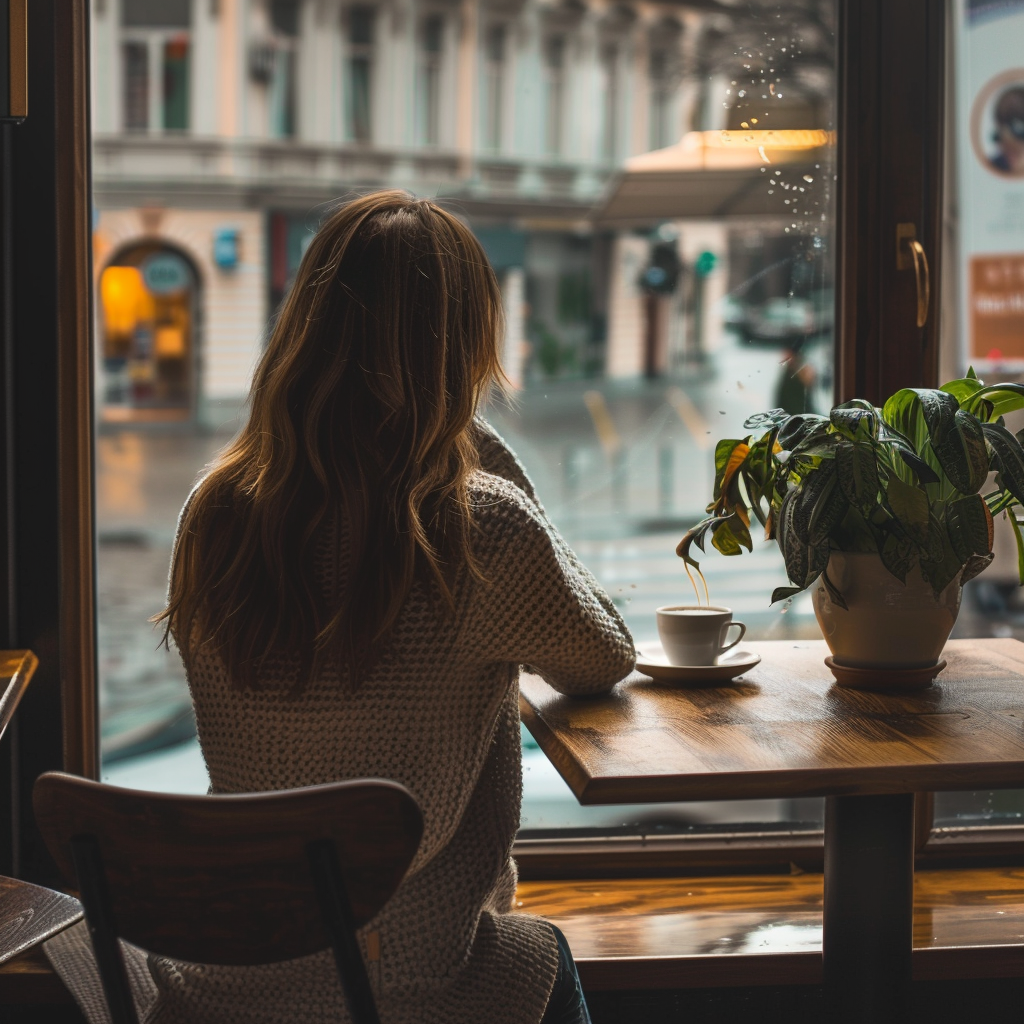
Overcast
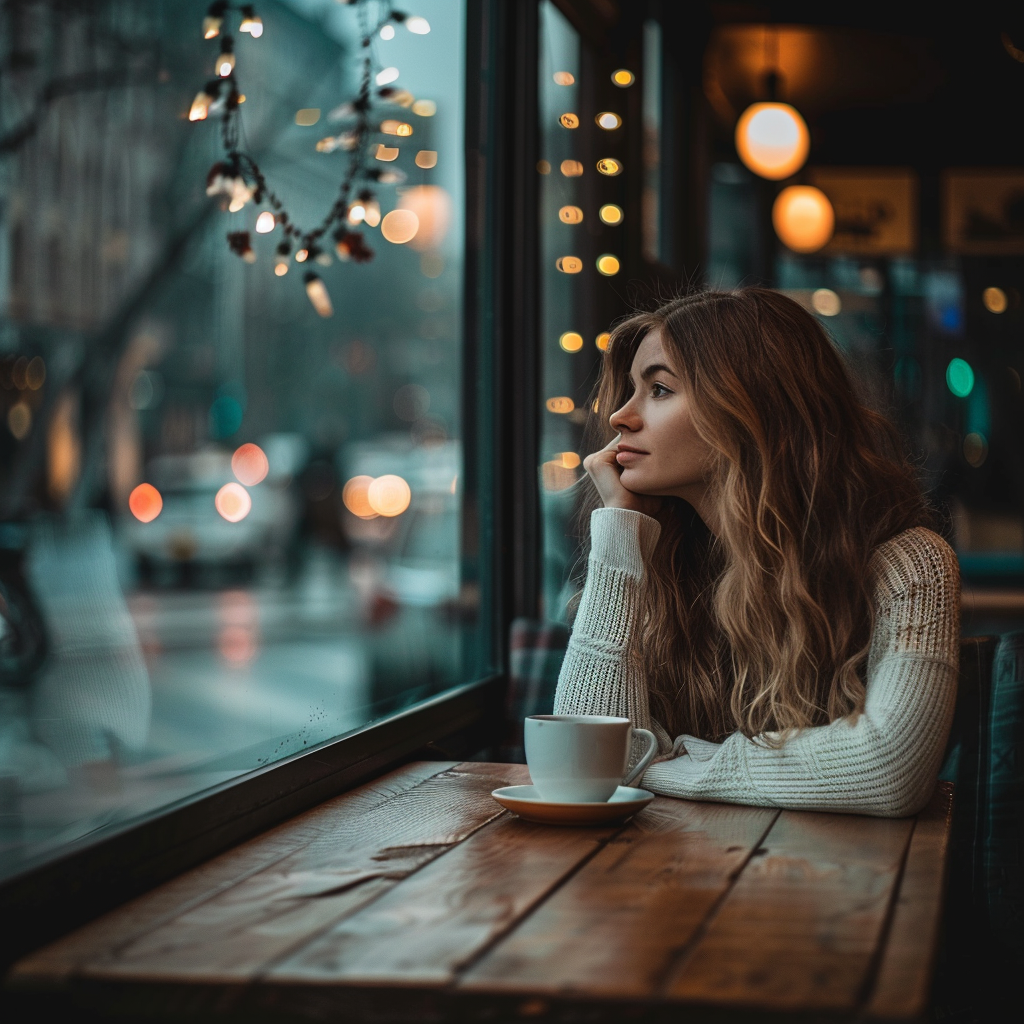
Studio Soft
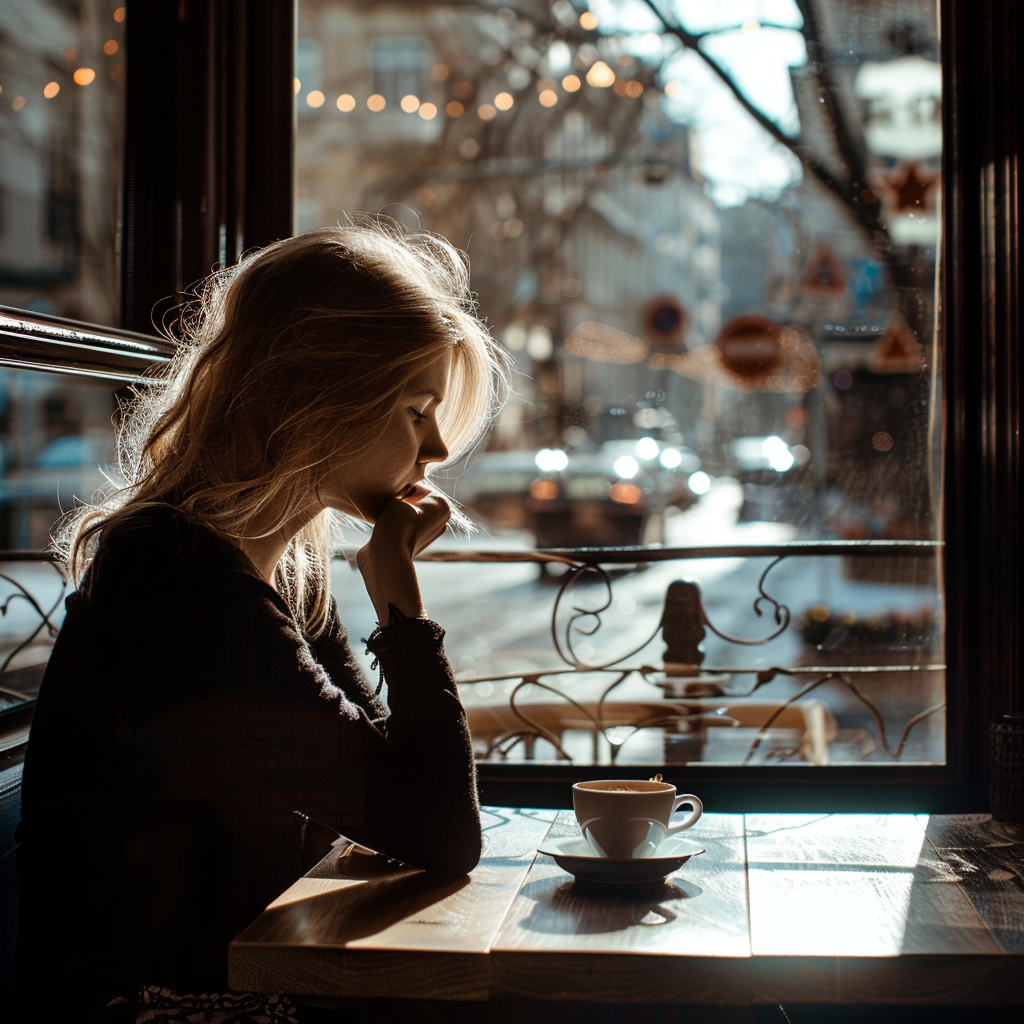
Studio Hard
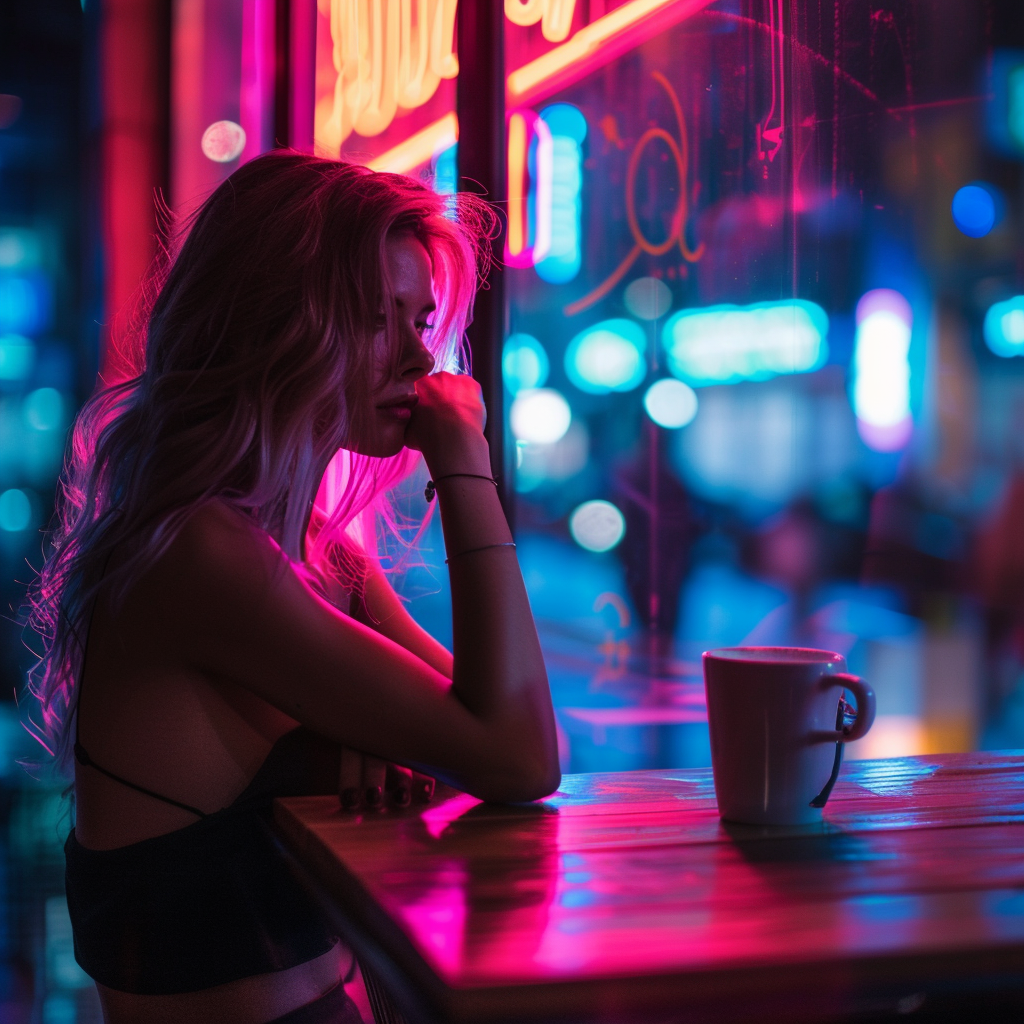
Neon
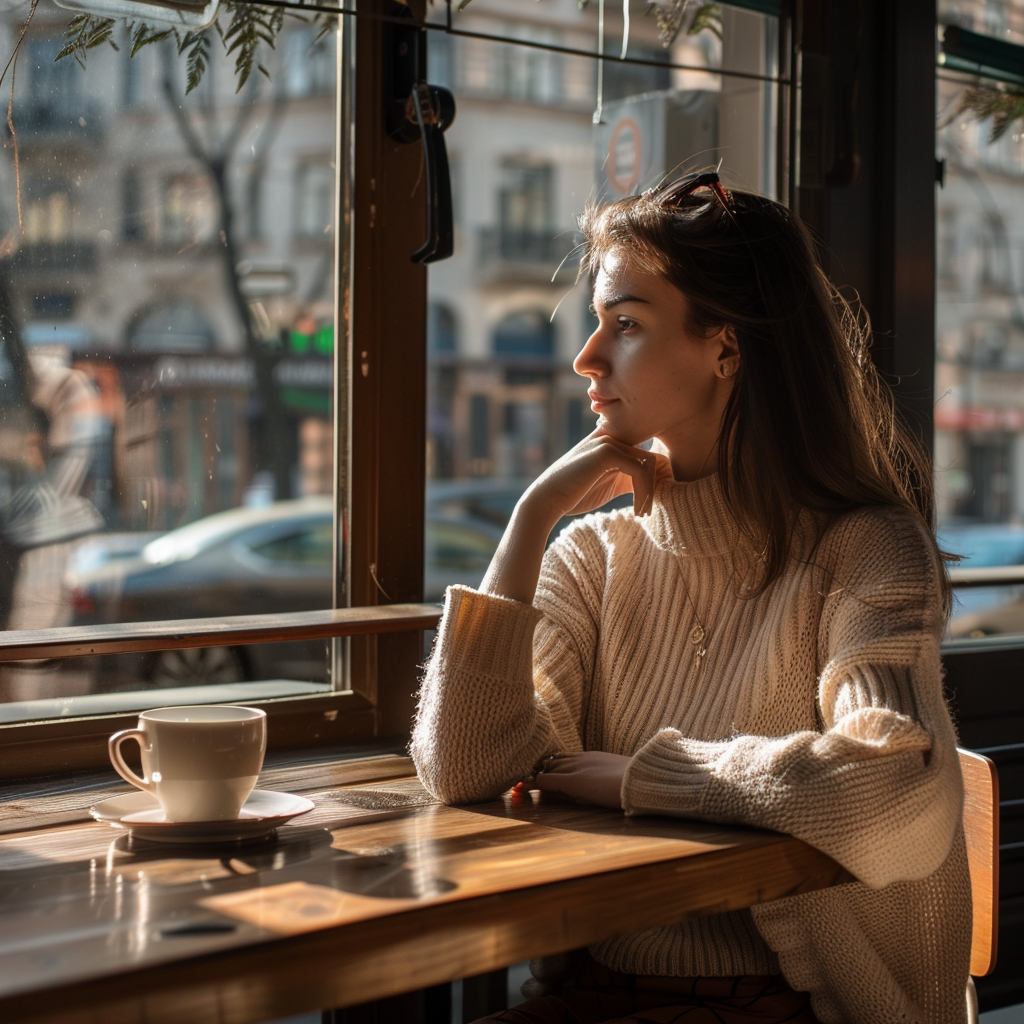
Natural Window
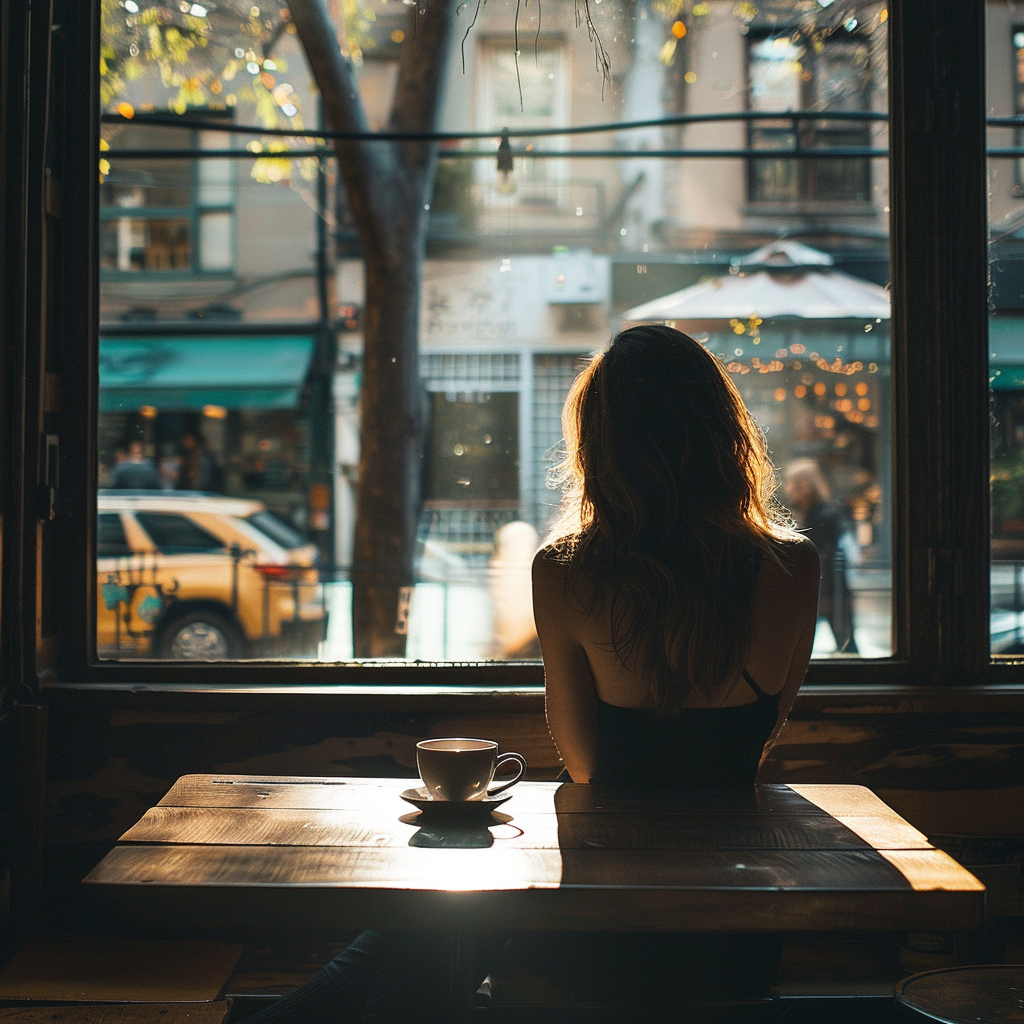
Rim Light
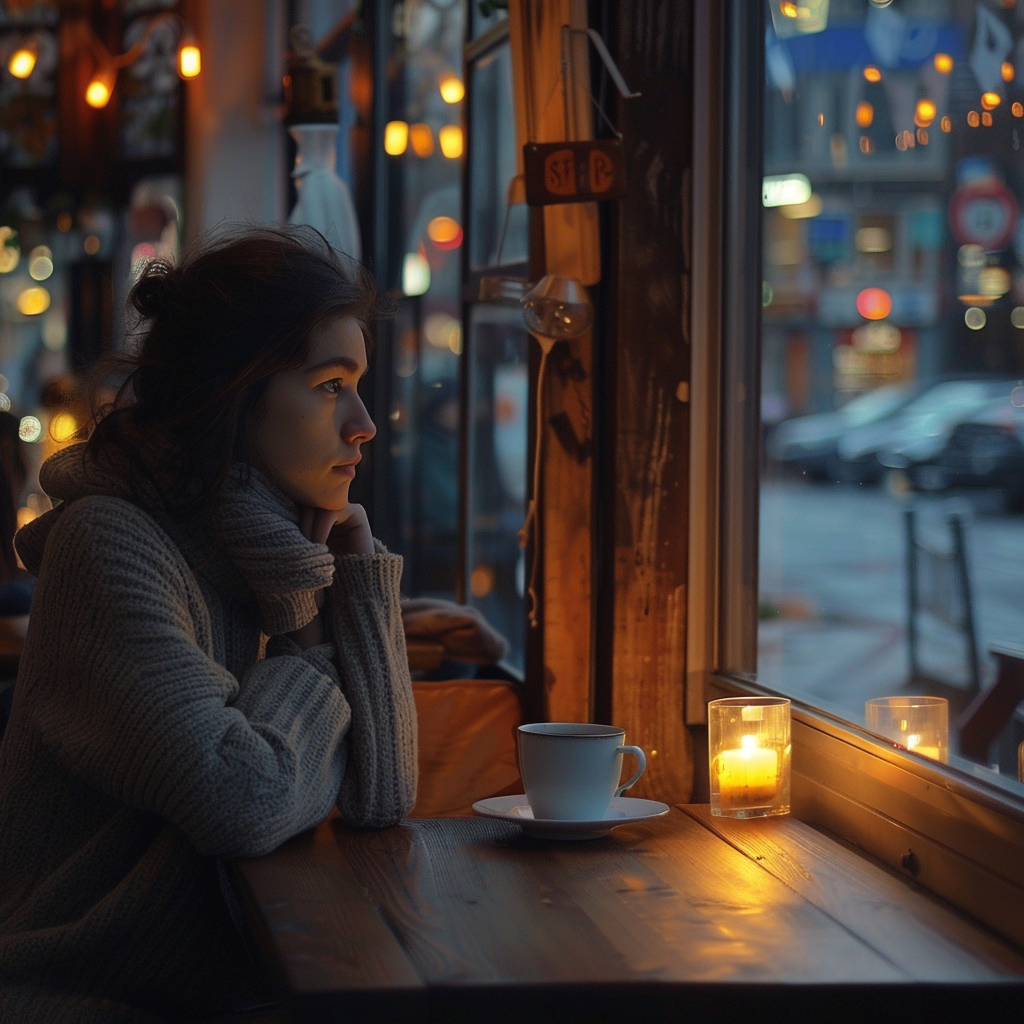
Practical
Combining Presets
Select one from each category. They combine intelligently into your prompt:
CAMERA
Cinematic
LENS
85mm Portrait
LIGHTING
Golden Hour
Appended to your prompt:
"...shot on 35mm film, cinematic color grading, 85mm lens, shallow depth of field, golden hour lighting, warm sunlight, long shadows"